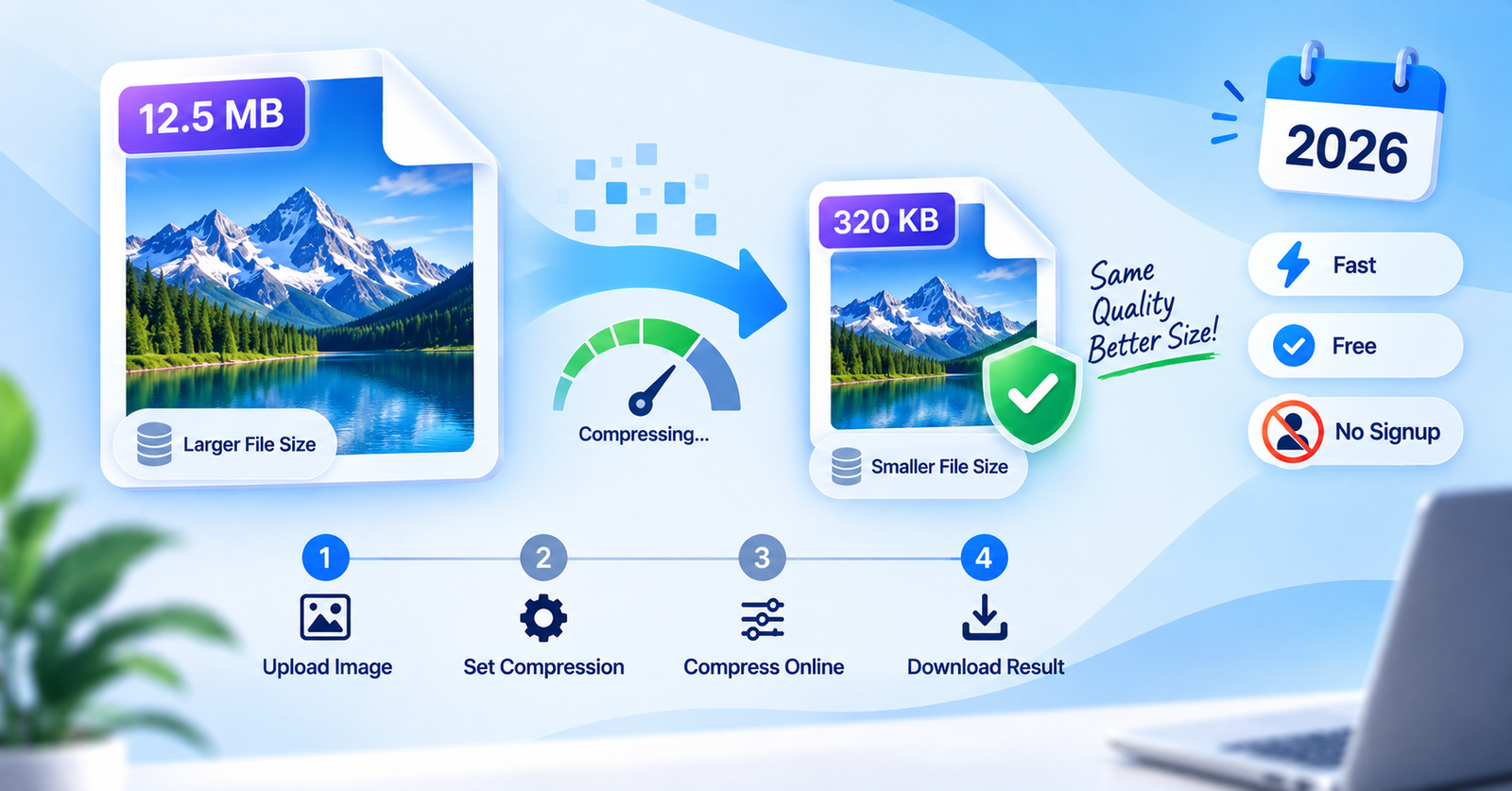
Large photo files are a common problem. Whether you’re trying to upload a profile picture, attach an image to an email, or meet a website’s file size limit, an oversized photo can slow you down or get rejected outright.
The good news is you can reduce your image size in seconds, completely free, without installing any software. In this guide, we’ll show you the fastest way to compress a photo while keeping it looking sharp, right inside your browser.
Everything happens on your device. Your photo is never uploaded to a server, so your files stay private throughout the process.

Why You Might Need to Compress an Image
Meeting file size limits for job or college applications
Speeding up website or blog loading times
Sending photos over email without hitting attachment limits
Saving storage space on your phone or computer
Sharing images faster on WhatsApp or social media
Choosing the Right Compression Level
Light compression keeps almost full quality with a small size reduction
Balanced compression offers the best mix of quality and smaller file size
Maximum compression gives the smallest file size for strict upload limits
Ready to shrink your image? Click the button above to open the free Image Compressor tool.