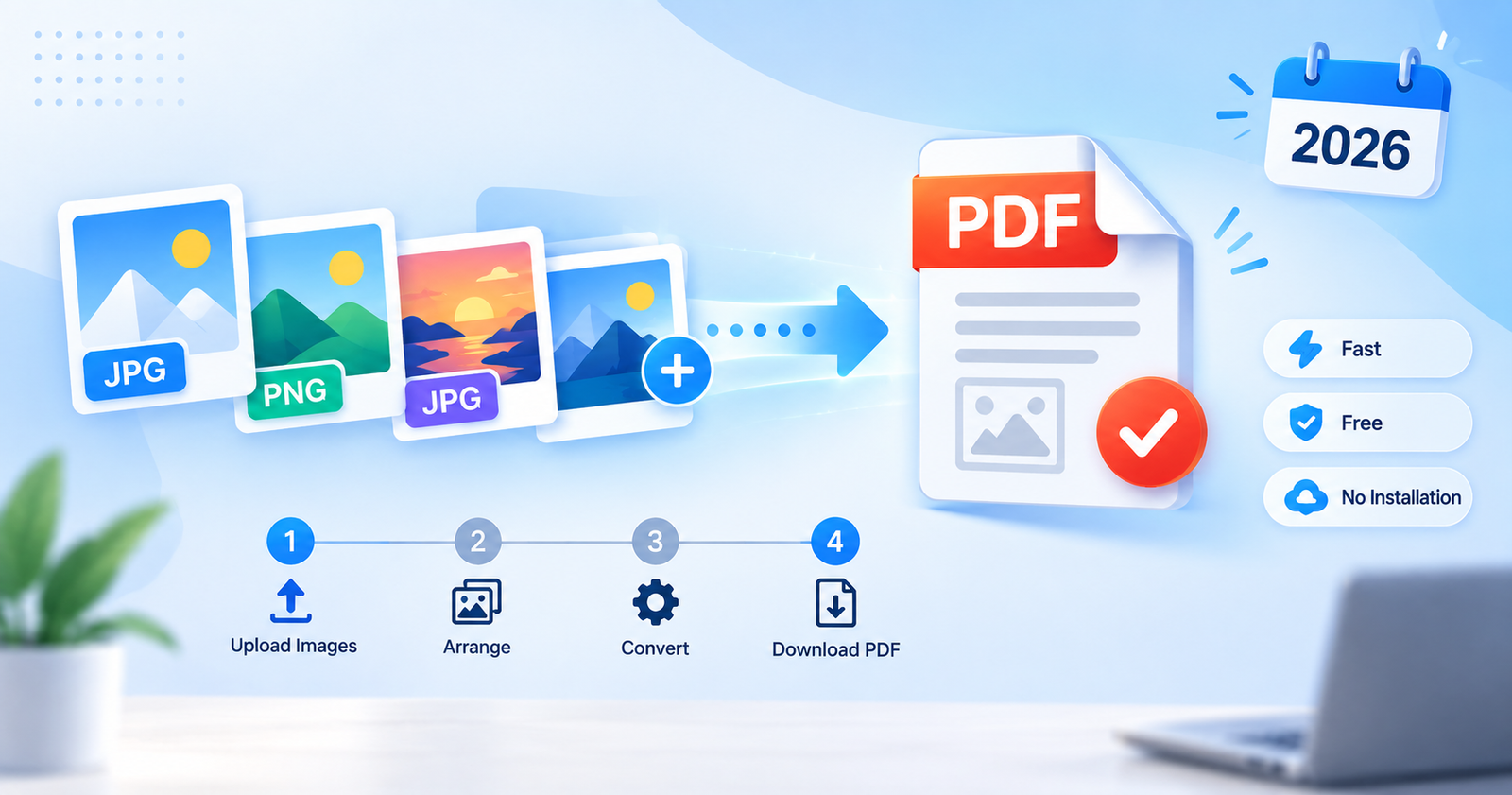
If you’ve ever needed to send multiple photos, scanned documents, or screenshots as a single file, you already know the frustration of juggling separate image files. Emailing five JPGs one by one, or trying to combine scanned pages into something a printer or an application will accept — it’s a small task that eats up more time than it should.
The good news is that converting images to PDF has become one of the simplest tasks you can do online, and you don’t need to install any software to do it.
Why Convert Images to PDF?
Images and PDFs serve very different purposes, and understanding when to use each format can save you a lot of hassle.
PDF files are universally compatible. Unlike JPG or PNG files, which can sometimes render differently across devices, a PDF looks exactly the same whether it’s opened on a Windows laptop, a Mac, an Android phone, or an iPhone.
PDFs keep multiple pages together. If you have ten scanned pages of a contract, ten separate JPGs are messy and easy to lose track of. A single PDF keeps everything organized in the correct order.
PDFs are easier to print professionally. Print shops, offices, and government portals almost always request document uploads in PDF format rather than image format.
PDFs are more secure for sharing. Many PDF tools allow password protection, which isn’t something you can do with a plain image file.
Common Situations Where You’ll Need an Image to PDF Converter
Submitting scanned ID proofs, mark sheets, or certificates for college or job applications
Sending multiple product photos to a client as one organized file
Converting scanned handwritten notes into a shareable document
Compiling receipts or invoices for accounting purposes
Creating an eBook or portfolio from a set of images
What to Look for in a Good Image to PDF Tool
Not every converter online is created equal. Before you use one, check for these essentials:
No installation required — a browser-based tool saves time and storage space.
Supports multiple image formats — JPG, PNG, WEBP, and BMP should all be supported.
Batch conversion — the ability to combine several images into a single PDF, not just one at a time.
Privacy-friendly — ideally, your images should be processed without being permanently stored on a server.
Free to use — for everyday personal or academic use, there’s no reason to pay for a basic conversion.
Try Our Free Image to PDF Converter
We’ve built a lightweight, browser-based tool that lets you convert your images into a single PDF file in seconds — no sign-up, no software download, and completely free to use.
Step-by-Step: How to Convert Your Images
Click the button above to open the converter tool.
Upload one or more images from your device.
Arrange the images in the order you want them to appear.
Click “Convert” and download your finished PDF instantly.
The entire process usually takes less than a minute, even for multiple files.
Frequently Asked Questions
Is it safe to convert images to PDF online?
Yes, as long as you use a reputable tool that doesn’t require account sign-up or store your files permanently.
Can I convert multiple images into one PDF?
Yes, most modern converters — including the one linked above — allow you to combine several images into a single, ordered PDF document.
Does converting reduce image quality?
A good converter preserves the original resolution of your images, so there should be no visible quality loss.
Is there a file size limit?
This varies by tool, but for everyday use — a handful of photos or scanned pages — you shouldn’t run into any issues.
Final Thoughts
Converting images to PDF doesn’t have to be complicated. With the right tool, it takes just a few clicks, works on any device with a browser, and keeps your files professional and easy to share. Give it a try the next time you need to combine photos, scans, or screenshots into one clean document.