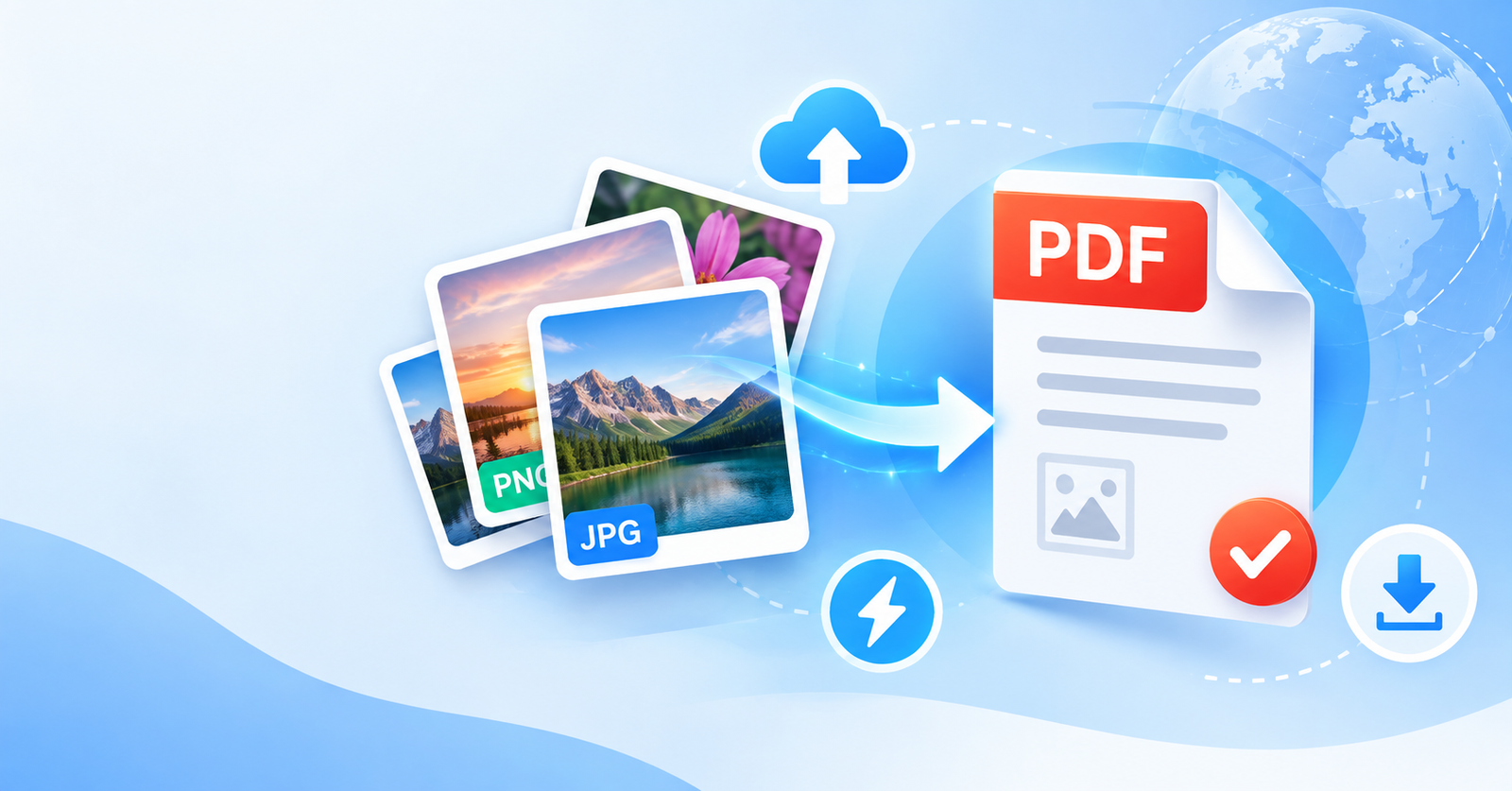
Turning your photos, scans, or screenshots into a professional PDF file shouldn’t require downloading heavy software or signing up for an account.
Below, you’ll find a fully functional, free online tool that converts your images into a single downloadable PDF in just a few clicks.
Whether you’re a student compiling assignment scans, a professional organizing receipts, or simply someone who needs to send a few photos as one tidy file, this tool is built to make the process instant and hassle-free.
USE THE TOOL BELOW
Simply upload your image files above, arrange them in your preferred order, and click convert. Your PDF will be ready to download within seconds.
Why Use This Image to PDF Converter?
100% Free — There are no hidden charges, subscriptions, or watermarks added to your converted files.
No Installation Needed — Everything runs directly in your browser, whether you’re on a laptop, tablet, or smartphone.
Fast and Lightweight — The tool is optimized to process your images quickly, even if you’re combining several files at once.
Works on Any Device — Compatible with Windows, macOS, Android, and iOS browsers.
Privacy-Focused — Your images are processed for the sole purpose of conversion and are not stored permanently.
How It Works
Upload your images — Select one or multiple JPG, PNG, or other supported image files from your device.
Arrange the order — Drag and rearrange your images if you’re combining multiple files into one PDF.
Click Convert — The tool processes your images and generates a single PDF file.
Download instantly — Save your finished PDF directly to your device, ready to share, print, or upload.
Common Uses for This Tool
Converting scanned academic documents (mark sheets, certificates, ID cards) into PDF for online applications
Compiling multiple product or event photos into a single shareable file
Turning scanned handwritten notes or forms into a professional document
Creating simple PDF portfolios or lookbooks from a set of images
Preparing receipts and bills for expense reports
Tips for Best Results
Use clear, well-lit photos when scanning documents with your phone camera for a sharper final PDF.
If you’re combining multiple pages, upload them in the exact order you want them to appear in the final file.
For official documents, double-check that all text is legible in the preview before downloading.
Frequently Asked Questions
Do I need to create an account to use this tool?
No. The converter works instantly without any sign-up or login required.
What image formats are supported?
Most common formats are supported, including JPG, JPEG, and PNG.
Is there a limit to how many images I can convert at once?
For everyday personal or academic use, you can combine multiple images without issue. For very large batches, processing time may increase slightly.
Will my images be stored on your server?
No, your files are used only to generate your PDF and are not kept afterward.
Can I use this tool on my mobile phone?
Yes, the tool is fully responsive and works smoothly on both desktop and mobile browsers.
Start Converting Now
There’s no easier way to turn your images into a clean, professional PDF. Just scroll up, upload your files, and get your converted document in seconds — completely free, with no strings attached.
1 thought on “Free Image to PDF Converter Online — Convert JPG & PNG to PDF Instantly”