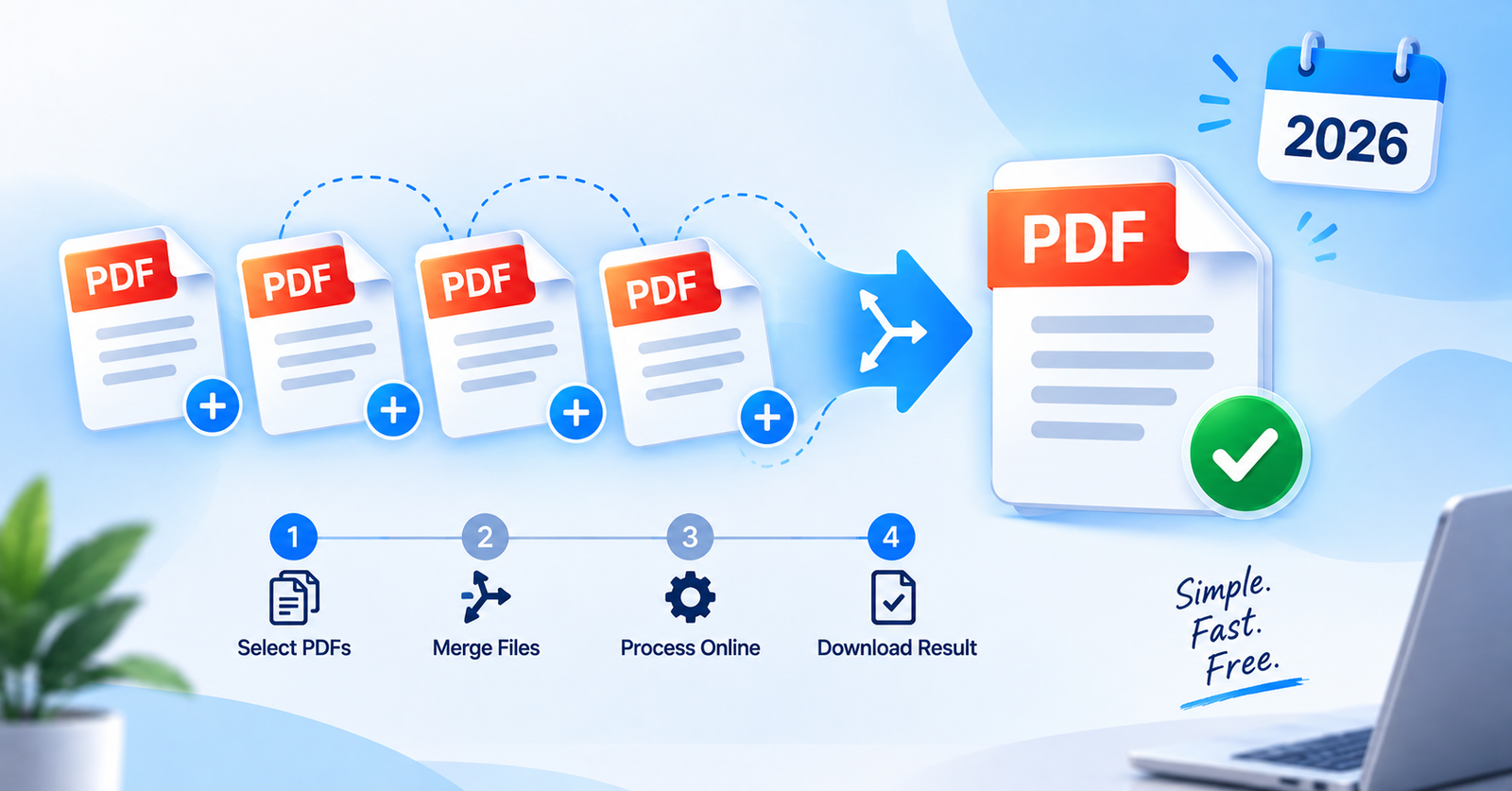
Whether you’re submitting a job application with separate certificate files, combining scanned documents, or putting together a report from multiple sources, dealing with several separate PDF files is inconvenient. Most people end up searching for paid software just to combine a few pages.
The good news is you can merge multiple PDFs into a single file in seconds, completely free, without installing anything. In this guide, we’ll show you how to combine your PDFs in the right order and download one clean file, right from your browser.
Your documents stay private too. Everything happens on your device, and no file is ever uploaded to a server.

When You Might Need to Merge PDFs?
Combining a resume, cover letter, and certificates into one application file
Putting together scanned pages into a single document
Merging invoices or reports from different sources
Combining chapters or sections of a document
Preparing admission or visa documents that require a single file
How the Merging Works?
Upload two or more PDF files
Arrange them in the order you want using the up and down arrows
Click Merge PDFs
Download your combined file instantly
Ready to combine your files? Click the button above to open the free PDF Merge tool.